Coming
Soon
00
Days
00
Hours
00
Minutes
00
Seconds
Explore our apps. Simple, useful tools for Android.
Trace any image with your camera or screen and draw it on paper.
View app →A new app is on the way.
Coming soonA new app is on the way.
Coming soon
Trace any image with your phone’s camera or screen, then draw it on paper. Simple, free and made for every skill level.
Get it onGoogle Play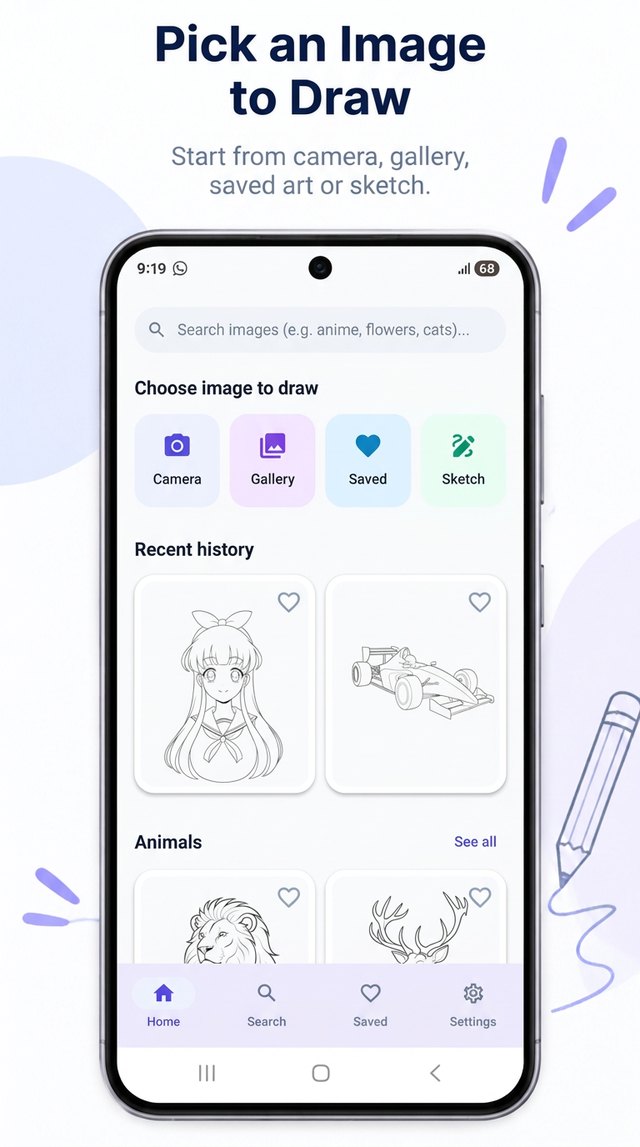
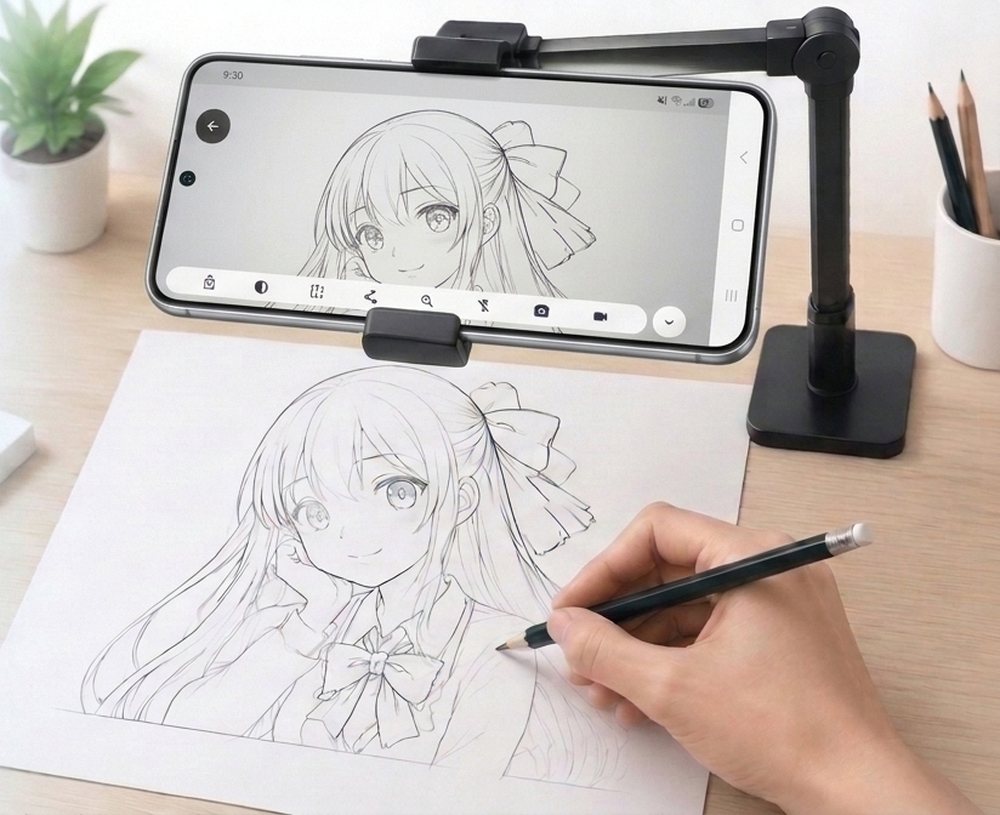
Sketch AR turns your phone into a simple tracing helper. Pick a picture, line it up with your paper, and follow the lines with your pencil. It’s built for beginners learning to draw, hobby artists practicing proportions, and anyone who wants cleaner sketches.
Choose from 230+ built-in line-art templates or import your own photo and turn it into a clean outline. Use the camera to see your paper through the overlay, or place thin paper on the screen and trace straight through it.
The short version. Sketch AR needs no account. The camera feed and the pictures you choose are processed on your phone and are not uploaded to us. The app is free and shows ads through Google AdMob, which collects certain device information (such as the advertising ID) to serve and measure ads. We do not sell your personal information.
Sketch AR (“the app”, “we”, “us”) is a drawing helper that lets you trace images on paper using your phone’s camera or screen. It is published by apkappi.
The app downloads template images and a template list from our content server (hosted on Cloudflare Pages) so new templates can be added without an app update. Like any web server, the host may automatically receive your IP address, device type and request time in standard logs. We do not link this to an account or identity because the app has no accounts.
The app contains banner ads and rewarded ads (for example, watching a short ad to unlock a template) provided by the Google Mobile Ads SDK (AdMob). Google may automatically collect and share the following to serve ads, measure performance and prevent fraud:
| Data | Purpose |
|---|---|
| Advertising ID and other device identifiers | Advertising, measurement, fraud prevention |
| IP address (may be used to estimate general location) | Advertising, fraud prevention |
| Interactions with ads and the app | Advertising, analytics, fraud prevention |
| Diagnostics (crash and performance information) | Ad delivery, SDK performance |
Your choices.
We do not share your photos, camera images or artwork. If you use the Share button, the picture you chose is handed to the app you select in the Android share sheet, and that app’s privacy policy then applies. Data collected by Google AdMob is described in section 4.
Sketch AR is intended for users aged 13 and over and is not directed to children under 13. We do not knowingly collect personal information from children under 13. If you believe a child has provided information through the app, contact us and we will help resolve it.
Artwork and settings are stored on your device and you control them. Delete saved items in the app’s Saved tab, clear the app’s storage in Android settings, or uninstall the app to remove all local data. Videos in your Movies folder can be deleted from your gallery or file manager. We hold no copy of your artwork on our servers. For data held by Google through AdMob, use the Google controls linked in section 4.
Template downloads and ad requests use encrypted HTTPS connections. No method of transmission or storage is completely secure, which is why the app keeps its data handling minimal.
Depending on where you live (for example the EEA, UK or California) you may have rights to access, correct, delete or restrict the use of personal information, and to object to or withdraw consent for personalized advertising. Because we keep no user accounts or profiles, most requests relate to data processed by Google AdMob, which you can manage through your Google account and device ad settings. You may also contact us below.
We may update this policy when the app changes. The effective date above shows the latest revision.
Email: zaditip@gmail.com · Website: apkappi.com
 Sketch AR